Support Operations
Building a World-Class Knowledge Base Management Strategy From Scratch
Why a Knowledge Base Strategy Matters
Creating a knowledge base (KB) is more than just dumping articles online. Without a clear strategy, your knowledge base risks becoming a cluttered, outdated resource that frustrates customers and wastes agent time. A well-crafted knowledge base management strategy ensures your support team provides accurate, consistent answers quickly while empowering customers to self-serve effectively.
In fact, companies that invest in knowledge base management see significant improvements in ticket deflection and first-contact resolution rates, which directly impact customer satisfaction and operational costs. To avoid common pitfalls and maximize ROI, building a KB strategy from scratch requires deliberate planning and ongoing refinement.
Step 1: Define Your Knowledge Base Goals
Start by identifying what you want your knowledge base to achieve. Common goals include:
- Reducing ticket volume by enabling self-service
- Shortening agent response times through quick access to information
- Improving customer satisfaction scores by delivering consistent answers
- Supporting onboarding and training for new support agents
Quantify these goals wherever possible. For example, aim to reduce ticket volume by 20% in the next 6 months or improve average handle time by 15%. Clear targets help guide the content and technology choices later.
Step 2: Understand Your Audience
Successful knowledge bases serve both customers and support staff. Segment your audience:
- End customers may prefer simple language, step-by-step guides, and multimedia content like videos or screenshots.
- Support agents need detailed FAQs, troubleshooting workflows, and product documentation.
Gather feedback through surveys, support tickets, and analytics to identify the most common questions and pain points. This insight informs which articles to prioritize and how to structure content.
Step 3: Choose the Right Platform & Features
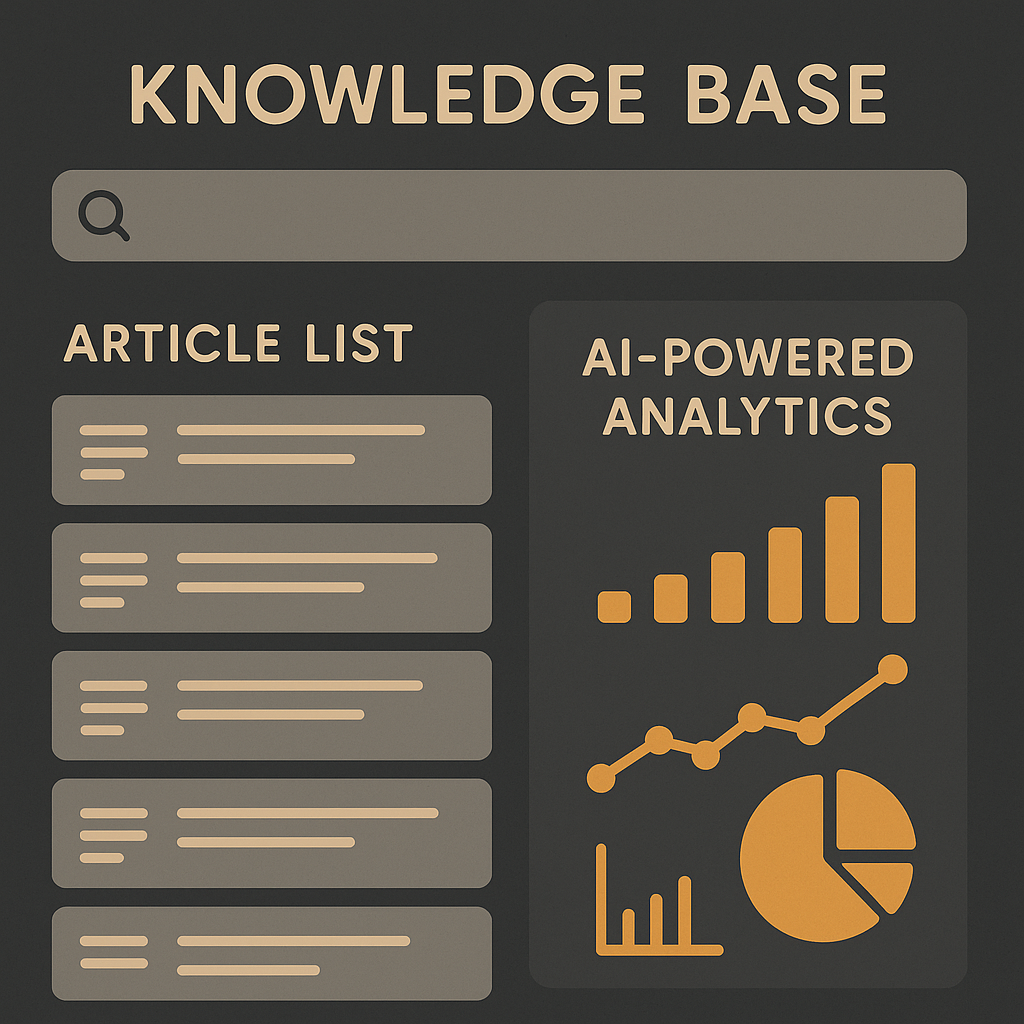
A robust knowledge base platform is critical. Look for features such as:
- Easy content authoring and editing for non-technical staff
- Powerful search functionality for both customers and agents
- Integration capabilities with your support tools and CRM
- Analytics dashboard to track article performance and user behavior
- Role-based access control for content management
Platforms like AItocha’s Knowledge Base offer AI-powered search and integration with omnichannel support, which streamline both content management and user experience.
Step 4: Develop a Content Creation & Review Process
Quality content is the backbone of your knowledge base. Establish workflows that include:
- Clear guidelines on tone, structure, and formatting
- Collaboration between support, product, and training teams
- Regular content audits to update or retire outdated articles
- Incorporation of customer feedback and support ticket trends
Using tools like AItocha’s QA & Coaching can help ensure content accuracy by connecting knowledge base usage with agent performance.
Step 5: Structure for Findability
Organize content logically with categories and tags that reflect how users search for information. Implement a layered hierarchy:
- Broad topics broken down into subtopics
- FAQs grouped by common issues or user roles
Optimize article titles and metadata for search engines and internal search to enhance discoverability. Consider cross-linking related articles to reduce customer effort.
Step 6: Promote and Train
A knowledge base is only as good as its adoption rate. Promote it across your website, product, and support channels. Train support agents to use the KB as their primary reference, and encourage customers to search it before submitting tickets.
AItocha’s Omnichannel Inbox seamlessly integrates knowledge base suggestions into live chats and emails, increasing self-service without sacrificing personal support.
Step 7: Measure Success and Iterate
Track KPIs such as:
- Article views and search effectiveness
- Ticket deflection rates
- Average resolution time
- Customer satisfaction scores
Leverage AI-powered analytics tools like AItocha’s AI & Analytics to uncover insights and identify content gaps. Use this data to continuously update your content, improve search algorithms, and refine workflows.
Real-World Example: Scaling Support with a Knowledge Base
Consider a SaaS company that started with a handful of FAQs. By implementing a structured KB strategy focusing on customer and agent needs, they expanded to hundreds of articles categorized by product features, onboarding, and troubleshooting. Integrating AItocha’s knowledge base with their support inbox empowered agents to answer complex queries faster and drove a 25% reduction in incoming tickets within 4 months.
Conclusion: Getting Started Today
Building a world-class knowledge base management strategy from scratch requires more than just technology — it demands a clear plan, audience understanding, quality content workflows, and ongoing analysis. By following these steps, you can create a knowledge base that truly supports your customers and scales your support operations efficiently.
For a deeper dive into maximizing knowledge base ROI, check out our post on The ROI of Knowledge Base Management: What the Numbers Actually Show.
Ready to build your knowledge base with AItocha? Explore our Knowledge Base solution or Try It Now for hands-on experience.