AI & Automation
Chatbots and Automation: Best Practices for Support Teams
Why Chatbots and Automation Matter in Support
Customer support teams face growing pressure to handle increasing volumes of inquiries while maintaining high-quality service. Chatbots and automation offer a way to meet demand efficiently by handling routine questions and processes. However, poorly implemented automation can frustrate customers and damage brand loyalty. The key is balancing automation with human expertise.
Understand Your Customer’s Needs Before Automating
Start by analyzing your most common support issues. Data from your ticketing system or customer surveys can reveal repetitive questions or simple tasks suitable for automation. For instance, frequently asked questions about order status, returns, or account settings can often be resolved by chatbots without agent intervention.
Use tools like AItocha’s AI & Analytics to identify patterns in support requests. This insight helps prioritize which workflows to automate first, ensuring you address the highest-impact areas.
Design Clear and Friendly Bot Conversations
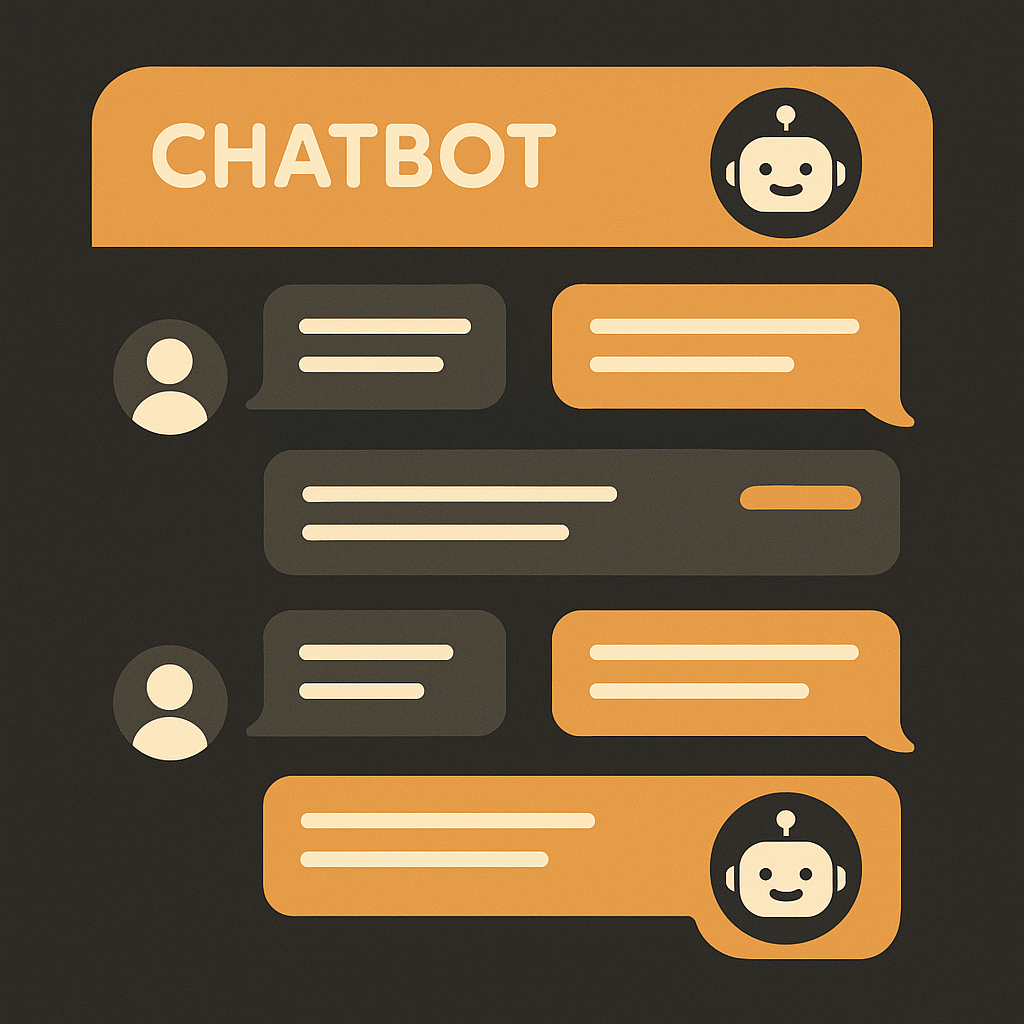
Customers get frustrated when chatbots misunderstand queries or lead them in circles. Best practices include:
- Using simple, conversational language
- Clearly explaining what the bot can do
- Offering easy options to connect to a human agent at any point
Avoid complex menus or multiple-choice traps. For example, a bot that says "Please type 1 for billing, 2 for technical support" can feel outdated. Instead, natural language processing (NLP) allows users to ask in their own words, improving experience.
Implement Smart Escalation Paths
Automation should complement, not replace, your human agents. When the bot cannot resolve an issue or detects customer frustration, it must escalate smoothly. Configure your system so that:
- Chatbot hands off conversation context to the agent to avoid repetition
- SLA compliance is maintained with timely follow-up
- Support teams receive training on managing bot escalations
AItocha’s Omnichannel Inbox enables seamless switching between automated and human support, improving consistency.
Continuously Monitor and Optimize Bot Performance
Regularly review chatbot interactions to identify failure points or customer pain. Metrics to track include:
- Resolution rate without human intervention
- Customer satisfaction scores for bot interactions
- Wait times for escalated tickets
Leverage QA & Coaching tools to analyze chatbot transcripts and coach agents on handling escalations efficiently. Use this feedback loop to refine your chatbot’s scripts and NLP models.
Automate Routine Workflows Beyond Chatbots
Automation isn’t limited to chatbots. Repetitive internal tasks like ticket triage, tagging, and follow-ups can be automated to free agent time for complex issues.
For example, using Automations & Workflows, your support team can automatically:
- Categorize tickets based on keywords
- Send proactive status updates
- Route high-priority issues to specialist teams
This reduces agent workload and improves response times.
Provide Agents With Intelligent Support Tools
Bots can assist human agents by suggesting knowledge base articles or next-best actions during live chats. Integrating AI-powered assistance within agent desktops boosts efficiency and accuracy.
AItocha’s Knowledge Base integration allows chatbots and agents access to up-to-date information, ensuring consistent answers.
Balancing Automation and the Human Touch
While chatbots handle routine queries swiftly, empathy and complex problem-solving require human agents. To maintain satisfaction:
- Use automation to augment, not replace, human support
- Ensure customers can easily reach live agents
- Train agents on emotional intelligence and problem-solving
This balance builds trust and loyalty over time.
Case Example: E-Commerce Support
An online retailer used AItocha’s chatbot to automate order tracking and return requests. Within three months:
- 65% of incoming tickets were resolved by the bot without agent involvement
- Average response time dropped from 12 hours to under 3 minutes
- Customer satisfaction scores increased by 15%
They supplemented this with automated workflows to route complex issues to specialized teams, improving SLA compliance.
Getting Started Today
Begin by mapping your current support workflows and identifying automation opportunities. Test chatbot pilots on simple tasks and gather customer feedback. Use analytics and QA tools to iterate.
You can explore AItocha’s full suite of chatbots and automation features with a live demo or try it now to see how these best practices can boost your support operations.
---
Key Takeaways
- Analyze common customer issues to target automation effectively
- Design bot conversations with clarity, simplicity, and natural language
- Ensure smooth escalation paths to human agents
- Continuously monitor bot performance and optimize
- Automate internal workflows to reduce agent workload
- Equip agents with AI-powered tools for better support
- Maintain a balance between automation and human empathy
By following these best practices, support teams can achieve faster, more consistent resolutions while preserving positive customer relationships.
For further insights, check out our related posts on how to implement chatbots and automation without losing the human touch and conversational AI best practices for support teams.