Best Practices
How to Implement Knowledge Base Management Without Losing the Human Touch
Why Balancing Knowledge Base Management and the Human Touch Matters
Knowledge bases can dramatically improve support efficiency by providing customers and agents with instant access to key information. However, over-reliance on impersonal FAQs or rigid articles risks disconnecting customers who value empathetic, human interactions. The challenge is clear: implement a knowledge base management strategy that enhances self-service and agent productivity without compromising the warmth and personalization that builds loyalty.
Step 1: Involve Your Support Team in Knowledge Base Creation
Your frontline support agents know your customers’ most frequent pain points and the language they use. Engage them early in creating and updating your knowledge base content. This ensures articles address real questions in an approachable tone.
For example, instead of a dry procedural article titled “Reset Password Procedure,” agents can write “How to Quickly Reset Your Password and Get Back to Business.” Their insights help the knowledge base sound more conversational and less like a manual.
This collaboration also increases agent buy-in, making them more likely to use and recommend the knowledge base during interactions.
Step 2: Use AI-Powered Suggestions to Personalize Content
Modern CX platforms like AItocha offer AI & Analytics tools that analyze customer inquiries and suggest knowledge base articles tailored to specific issues. This dynamic approach helps agents quickly provide relevant answers suited to the customer’s unique context.
For example, if a customer contacts support about a billing issue, the system can surface articles not only about billing but also about related topics like payment methods or refunds. This layering avoids a one-size-fits-all approach.
Step 3: Integrate Your Knowledge Base Seamlessly Into Support Channels
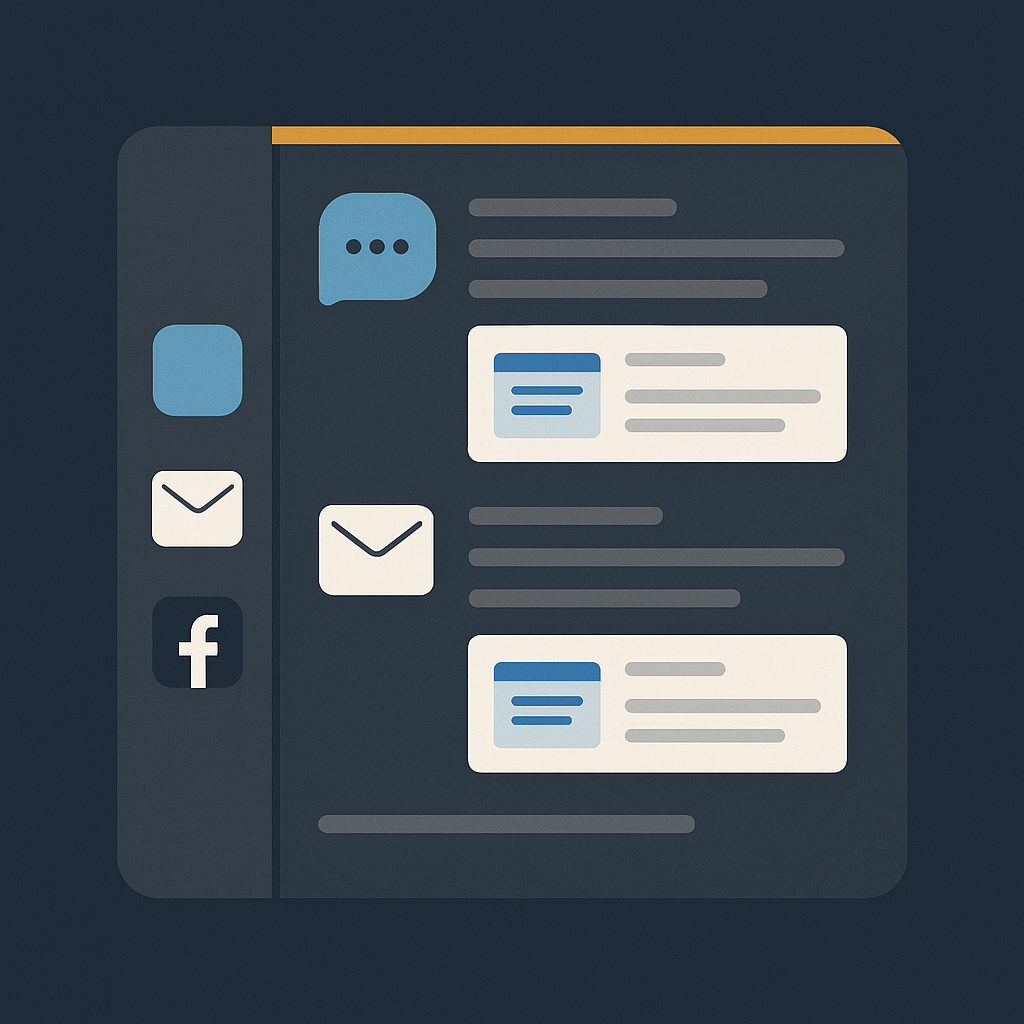
A knowledge base cannot live in isolation. Integrate it with your Omnichannel Inbox so agents and customers can access it within their preferred communication channels—be it email, chat, or social media.
This integration allows agents to pull knowledge base articles into conversations instantly, using them as conversation starters rather than standalone responses. It also empowers customers to self-serve without hunting across websites.
Step 4: Train Agents to Use the Knowledge Base as a Support Tool, Not a Script
A common pitfall is agents reading knowledge base content verbatim, which can come across as robotic. Instead, train your team to use articles as foundational knowledge to build personalized responses.
Role-play scenarios during training where agents paraphrase articles, add empathy statements, and confirm understanding. For example:
- Instead of: “Please follow the steps outlined in article X.”
- Use: “I understand how frustrating this can be. Here’s a quick way to resolve it — first, try these steps...”
This approach respects customers’ emotions while still leveraging documented knowledge.
Step 5: Continuously Update Content Based on Feedback and QA
Customer needs evolve, and so should your knowledge base. Implement QA & Coaching workflows that collect agent and customer feedback on articles’ usefulness and tone. Use these insights to refine content regularly.
For example, if agents report customers find an article confusing or outdated, prioritize updating it. Regular refresh cycles maintain relevance and prevent knowledge base content from becoming stale or disconnected from real conversations.
Step 6: Blend Automation with Human Escalation Smoothly
While knowledge bases support self-service and reduce ticket volume, some issues require human empathy and judgment. Ensure your platform’s Automations & Workflows offer clear escalation paths for cases where customers prefer or need human support.
For instance, if a chatbot or knowledge base article doesn’t resolve a question in two interactions, automatically route the conversation to a live agent. This preserves the human connection where it matters most.
Real-World Example: A SaaS Company’s Balanced Approach
Consider a SaaS company that implemented a comprehensive knowledge base with these principles:
- Agents authored and reviewed all articles to maintain conversational tone.
- AI-powered article recommendations reduced average handle time by 15%.
- Knowledge base links were embedded directly inside the help desk system, so agents could personalize responses efficiently.
- Regular coaching sessions emphasized empathy and customization alongside knowledge base use.
The result was a 20% increase in customer satisfaction scores and a 10% drop in repeat tickets, illustrating that efficiency and human touch can coexist.
Conclusion: Knowledge Base Management Is a Tool, Not a Replacement
Effective knowledge base management boosts support scalability and reduces resolution times but should never replace genuine human connection. Involve your support team, personalize content with AI insights, integrate your knowledge base seamlessly, train agents to use it thoughtfully, update it continuously, and blend automation with human escalation.
By following these steps, you can create a knowledge base that empowers both your customers and agents — enhancing efficiency without sacrificing empathy.
For more on optimizing your knowledge base and support operations, explore AItocha’s Knowledge Base and QA & Coaching features to see how automation and human expertise work together to improve CX.