Phone Answering
How to Set Up an AI Phone Line for Your Small Business in an Afternoon
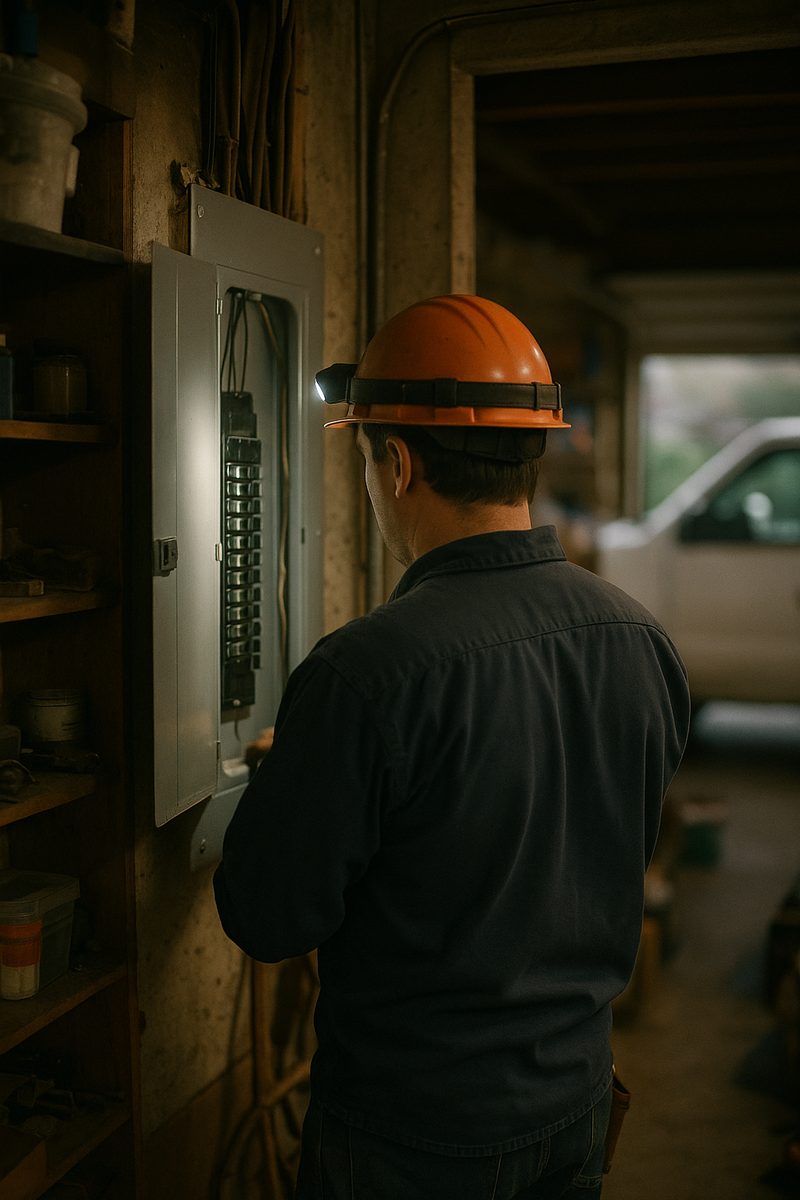
If you run a small service business, you already know the painful part: calls don’t wait for a break in the schedule.
A plumber is under a sink. An electrician is on a ladder. A cleaner is in a client’s home. A salon owner is with a customer. And the phone rings anyway. Miss enough of those calls, and you’re not just losing messages — you’re losing jobs.
The good news: you can set up an AI phone line in an afternoon without hiring a receptionist or changing how your business works.
What an AI phone line actually does
An AI phone line is not a fancy voicemail box. It answers calls on your business number, asks the right questions, and saves the details so you can follow up.
With AItocha Phone Desk, the AI receptionist answers every call 24/7 on your business number. It uses the information you give it — your hours, service area, prices, and policies — and it does not invent prices.
That matters. A caller can ask, “How much for a drain clear?” or “Do you serve my ZIP code?” and the AI responds based on what you’ve told it. If it needs to, it can take a message, collect booking details, text or email the caller, and file everything in your inbox.
It also makes it clear that it’s an AI assistant. If a caller asks for a person, it can connect them based on your rules or take a message.
Before you start: gather the basics
You do not need a long setup document. You just need the facts a receptionist would need on day one.
Have these ready:
- Your business hours
- Your service area
- Your main services
- Your starting prices or quote rules
- Your emergency or after-hours policy
- Your booking process
- Your preferred callback number
- Any questions you always ask before booking
For example:
- Plumber: “What’s the issue? Is water actively leaking? What’s the address?”
- HVAC tech: “Is the system heating or cooling? What’s the model if available? Is this urgent?”
- Cleaner: “What type of cleaning do you need? How many rooms? What’s the address?”
- Salon: “Which service do you want? Preferred day and time?”
- Clinic or solo professional: “What do you need help with, and what’s the best number to reach you?”
The more clearly you define the intake questions, the better the AI can help.
A simple afternoon setup plan
You can usually get this done in three short steps.
1) Decide how you want calls handled
Start with the basic routing decision:
- Business hours only: the AI answers, but rings you during your work hours
- Always: it can ring you any time you choose
- Never: it takes a message every time
There’s also a personal do-not-disturb toggle, which is useful if you’re on a job, in a meeting, or off duty and do not want interruptions.
For many owners, the easiest starting point is:
- ring me during business hours
- take a message after hours
- send me the full summary either way
That way you get the call details without having to stop what you’re doing.
2) Load your business info
This is where you teach the AI what to say and what not to say.
Enter:
- hours
- service area
- service list
- pricing guidance
- policies
- booking rules
- when to escalate to you
If you price by estimate, say that. If you have flat-rate service calls, say that. If you only serve certain neighborhoods or towns, say that too.
The point is not to make the AI sound human. The point is to make it accurate.
3) Set up booking and follow-up
AItocha Phone Desk takes booking requests and messages, including name, address, callback number, and what’s needed, and files them in the inbox. If you’re on the Starter plan or above, it can book directly onto a calendar.
That means a caller can go from “I need help” to a real scheduled appointment without you playing phone tag.
The system can also text or email callers during the call with useful details — like a booking summary, a link, or pricing information. The same number handles incoming texts, which is helpful when customers prefer to text after they call.
What a real setup looks like for a small service business
Here’s a practical example.
A homeowner calls your plumbing business at 7:30 p.m. The AI answers. It explains it’s an AI assistant. The caller asks for a person, but you’ve set the rules so after-hours calls go to message capture unless there’s an emergency path you’ve defined.
The AI asks:
- What’s the issue?
- What’s the address?
- What’s the best callback number?
- Is water actively leaking?
It saves the answers, flags the call in your inbox, and sends you the transcript and short summary. If you’ve set up booking on a Starter plan or higher, it can also place the appointment on your calendar.
If the caller is asking about pricing, the AI can text or email the details you’ve approved during the call.
That is the kind of setup that prevents lost leads without forcing you to answer every call yourself.
What you get in the inbox after each call
Every call lands in the inbox with:
- a full transcript
- a short AI summary
- the caller’s details
- caller ID information on every call, including registered name, mobile or landline, carrier, and location
Those caller details are saved to the customer record, which makes callbacks faster and gives you more context before you return the call.
There are also safeguards worth knowing about:
- card numbers and similar personal details are removed from saved transcripts
- robocalls are flagged
If you run a clinic or any business that handles sensitive customer information, that kind of cleanup matters.
How much it costs compared with a live receptionist
A live receptionist service often runs roughly $250 to $800+ per month, depending on the service level.
AItocha Phone Desk has month-to-month plans with one number included:
- Solo: $29/month, 100 AI minutes, 100 texts
- Starter: $59/month, 275 minutes, 300 texts
- Growth: $99/month, 500 minutes, 750 texts
- Pro: $179/month, 1,000 minutes, 1,800 texts
There’s no contract. If you use more minutes than your plan includes, extra minutes bill at the plan’s posted rate instead of cutting calls off.
For many small businesses, that makes it easier to start small and move up only if the call volume grows.
A good first-day checklist
If you want to finish this in an afternoon, keep it simple:
- Write down your hours, services, service area, and pricing rules
- Decide when the AI should ring you
- Choose whether after-hours calls should become messages or bookings
- Set up your booking rules
- Add the questions you want asked on every call
- Test the system by calling it yourself
- Review the transcript and summary to make sure it sounds right
A quick test call is worth doing. It shows you exactly what a customer hears and whether the AI is collecting the right information.
Final takeaways
You do not need a full office setup to stop missing calls. You need a clear script, a few business rules, and a system that answers the phone when you cannot.
For small service businesses, that usually means:
- every call gets answered
- booking and message capture happen automatically
- you control when the AI rings you
- callers can still ask for a person
- the inbox gives you the full picture after the call
If you want to hear how it works, call the demo line at (415) 548-9989. It answers as Keystone Plumbing, a fictional sample business. Then see plans at https://cx.aitocha.com/phone-desk/pricing.