Support Operations
Knowledge Base Management: Best Practices for Support Teams
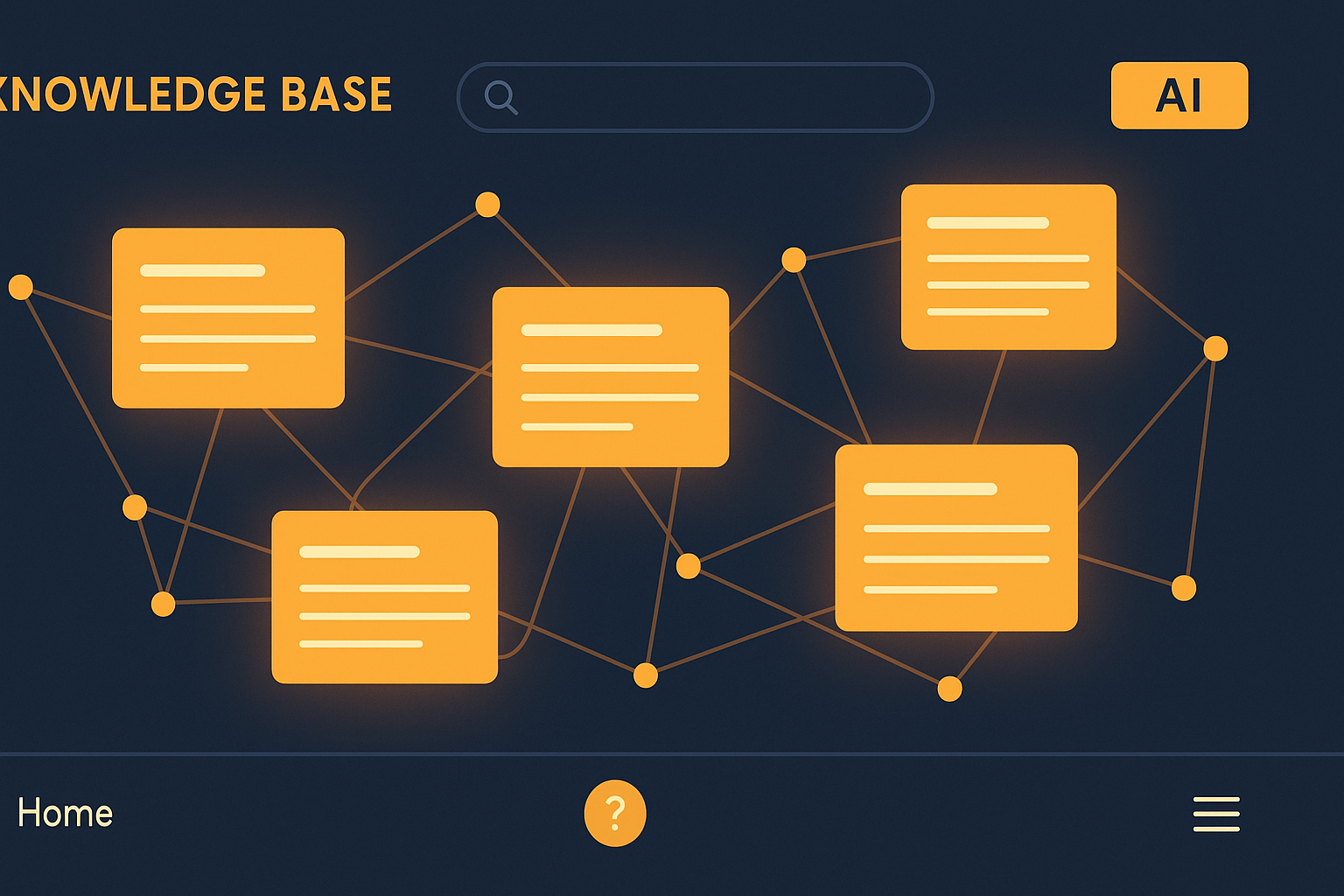
Why Knowledge Base Management Matters for Support Teams
A well-managed knowledge base is more than just a repository of articles; it’s a strategic asset that empowers support teams and customers alike. Studies show that up to 70% of customers expect self-service options before reaching out to live agents. When done right, knowledge base management reduces ticket volume, accelerates resolution times, and enhances overall customer satisfaction.
Yet many teams struggle with outdated content, poor organization, and low adoption. This post outlines actionable best practices to help support teams unlock the full potential of their knowledge bases.
1. Establish Clear Content Ownership and Workflow
Assign responsibility for content creation, review, and updates to specific team members or roles. Without clear ownership, articles often become outdated, which frustrates users and increases support tickets.
Implement a formal workflow that includes:
- Content drafting
- Peer review for accuracy and clarity
- Scheduled periodic audits (e.g., quarterly)
- Archiving or deleting obsolete articles
Leveraging tools with integrated QA & Coaching features can streamline this process by providing quality control and feedback mechanisms.
2. Organize Content Intuitively
A knowledge base is only as useful as its navigability. Use categories and tags that reflect how customers and agents think about your products or services.
Best practices include:
- Grouping articles by common issues or frequently asked questions
- Using consistent naming conventions
- Including a robust search function that supports synonyms and misspellings
Integrating a Knowledge Base platform with an Omnichannel Inbox helps surface relevant articles directly in support conversations, reducing friction.
3. Write Clear, Concise, and Actionable Articles

Content should be easy to scan and understand, even for non-technical users. Structure articles with:
- Descriptive titles
- Step-by-step instructions
- Screenshots or videos where applicable
- Clear explanations of why and when certain steps are necessary
For example, rather than saying “Restart your device,” specify “To resolve connectivity issues, restart your device by holding the power button for 10 seconds.”
4. Use Analytics to Continuously Improve
Monitor which articles users access most often, and where search queries lead to no results. This data directs you to:
- Update or expand popular articles
- Identify knowledge gaps
- Improve article titles and keywords
AI-powered tools with AI & Analytics can automatically highlight content performance and user engagement trends, enabling proactive management.
5. Encourage Team and Customer Feedback
Support agents on the front lines have valuable insights about what information customers need. Create channels for them to suggest new articles or improvements.
Similarly, allow customers to rate articles or provide comments. This direct feedback helps prioritize updates and shows customers you value their input.
6. Promote Self-Service Across Channels
A knowledge base is most effective when seamlessly integrated into all customer touchpoints. Embed articles within your chatbot, email auto-responses, and website help widgets.
Using Automations & Workflows, you can automatically suggest relevant articles based on keywords in support tickets or live chat conversations, deflecting tickets and speeding up resolutions.
7. Train Agents to Leverage the Knowledge Base
The knowledge base should be a core part of your support team’s toolkit. Regular training ensures agents:
- Know how to quickly find relevant articles
- Can confidently share links with customers
- Understand how to update or flag outdated content
Incorporate QA & Coaching tools to monitor knowledge base usage and provide targeted coaching.
Real-World Impact: Metrics to Track
Implementing these best practices can lead to measurable improvements such as:
- Up to 30% reduction in incoming support tickets
- 20-40% faster average resolution time
- Higher first-contact resolution rates
- Increased customer satisfaction scores
For example, a SaaS company that integrated AI-driven knowledge base suggestions into its support workflow saw ticket deflection increase by 25% within six months.
Getting Started with AItocha
AItocha offers a comprehensive Knowledge Base solution combined with AI-powered Automations & Workflows and QA & Coaching. This integrated approach helps support teams maintain accurate, easy-to-navigate content and surface it proactively during customer interactions.
If you want to see these benefits in action, try a Live Demo or explore our Customer Service Solution for practical implementation guidance.
Key Takeaways
- Assign clear content ownership and implement regular audits to keep your knowledge base accurate.
- Organize articles intuitively and write with clarity to improve usability.
- Leverage analytics and feedback to continuously refine content.
- Integrate knowledge base articles into support channels using automation.
- Train agents to use and contribute to the knowledge base effectively.
Effective knowledge base management reduces support costs and improves customer experience. Start applying these best practices today to empower your support team and delight your customers.
For more insights on improving support efficiency, check out our blog post on 5 Proven Ways to Reduce Ticket Volume with Knowledge Base Management.