Support Operations
Measuring Success with Omnichannel Support: KPIs That Matter
Why Measuring Omnichannel Support Success Matters
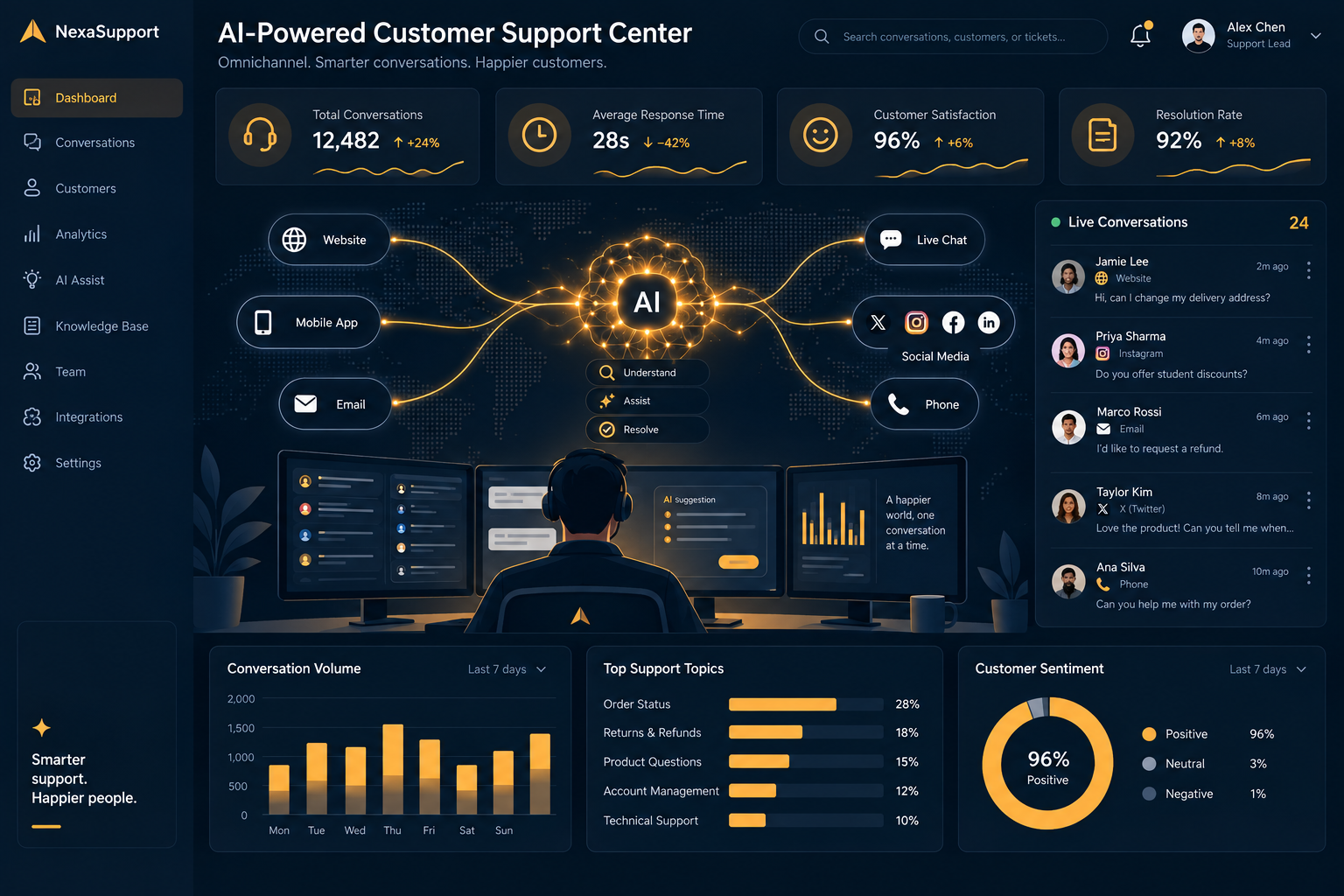
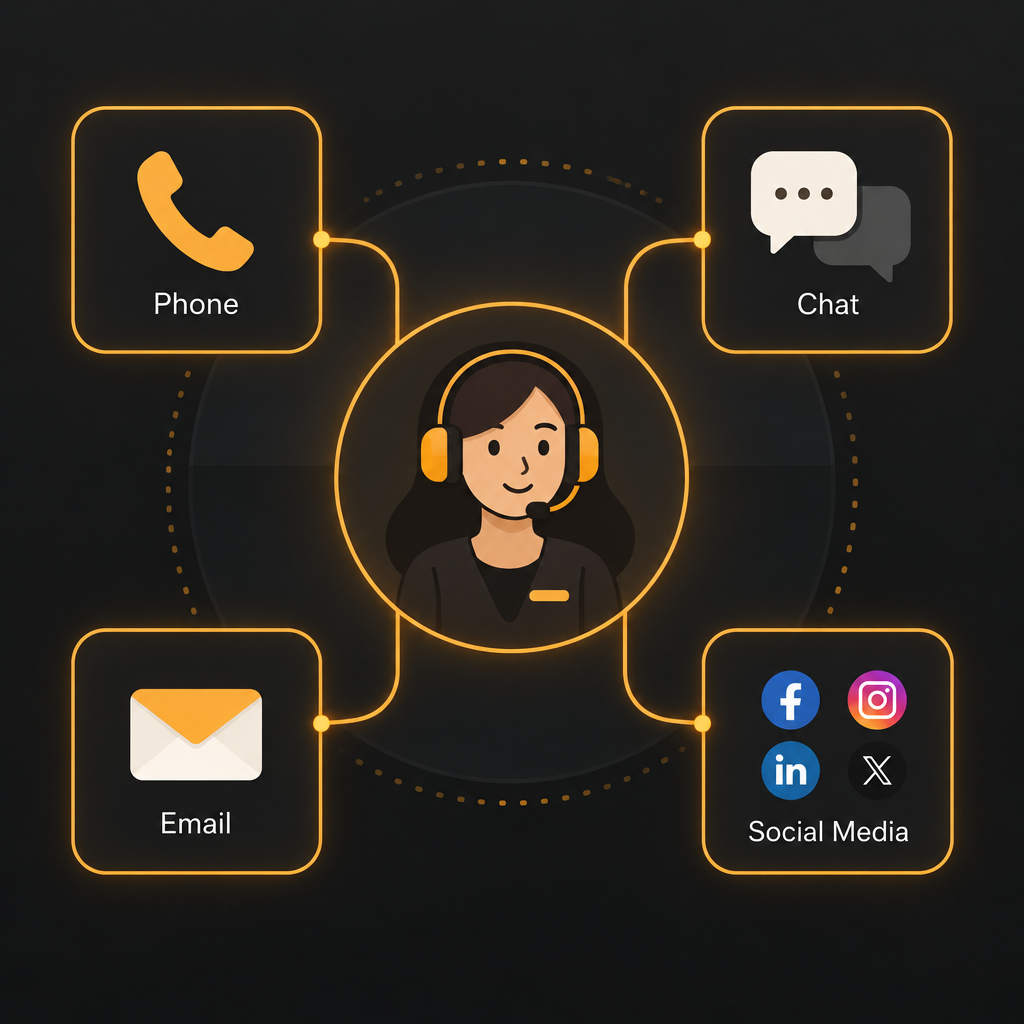
Omnichannel support integrates customer interactions across multiple channels—email, chat, social media, phone, and more—into a unified experience. But how do you know if your omnichannel strategy is truly working? Tracking the right key performance indicators (KPIs) ensures your support team delivers consistent, efficient, and satisfying customer experiences.
Without clear measurement, you risk inefficiency, duplicated efforts, and customer frustration.
Core KPIs to Track for Omnichannel Support
1. First Contact Resolution (FCR)
FCR measures the percentage of customer issues resolved on the first interaction, regardless of channel. A high FCR means your team successfully addresses problems without forcing customers to repeat themselves across channels.
How to track: Use your omnichannel platform’s ticketing system to identify tickets marked resolved on first reply. AItocha's Omnichannel Inbox consolidates conversations, making FCR easier to calculate.
Benchmark: Aim for an FCR above 70% for optimal customer satisfaction.
2. Average Handle Time (AHT) per Channel
AHT is the average time spent handling a customer inquiry, including talk, hold, and related tasks, broken down by channel. Some channels, like chat, naturally have shorter AHT than phone calls.
Why it matters: Monitoring AHT by channel helps identify inefficiencies and training needs. For example, longer phone call times might indicate complex issues or lack of agent resources.
3. Customer Satisfaction Score (CSAT)
CSAT surveys ask customers to rate their support experience immediately after resolution. Gathering CSAT data across all channels reveals if your omnichannel support meets customer expectations everywhere.
Tip: Use automated post-interaction surveys integrated into your omnichannel platform to collect timely feedback. AItocha supports easy CSAT collection across channels.
4. Channel Mix and Volume Trends
Monitor what percentage of tickets come from each channel and their growth or decline over time. This shows where customers prefer to engage and whether your efforts to promote certain channels (like self-service chatbots) are effective.
For instance, an increase in chatbot or social media tickets could signal shifting preferences that may require reallocating resources or updating training.
5. Response and Resolution Times
Track the average time it takes to respond to and fully resolve tickets per channel. Omnichannel customers expect prompt responses no matter how they reach you.
AItocha’s SLA Compliance feature helps ensure that response and resolution times meet your service level agreements, minimizing delays.
6. Ticket Backlog and Queue Length
Long queues or ticket backlogs indicate understaffing or inefficient workflows. Monitoring these KPIs helps manage workload distribution across teams and channels.
Using Teams & Queues, you can assign tickets intelligently to maintain balanced workloads and reduce wait times.
7. Customer Effort Score (CES)
CES measures how much effort a customer feels they had to expend to get an issue resolved. Lower effort correlates strongly with loyalty.
In omnichannel support, this means minimizing channel switching and unnecessary steps. Tracking CES via surveys can highlight friction points.
How to Use KPIs to Improve Omnichannel Support
- Identify bottlenecks: High AHT or response times on specific channels point to where training or automation can help.
- Optimize staffing: Use volume trends and queue sizes to adjust agent schedules and channel coverage.
- Improve knowledge accessibility: Low FCR often signals knowledge gaps. A robust Knowledge Base integrated into all channels empowers agents and customers alike.
- Leverage automation: Automate routine tasks with Automations & Workflows to reduce manual workload and speed resolution.
Real-World Example: Boosting FCR with Unified Inbox and AI Insights
A mid-sized e-commerce company implemented AItocha’s Omnichannel Inbox and AI & Analytics features to consolidate customer messages from email, chat, social media, and phone.
By analyzing KPIs, they discovered social media tickets had lower FCR and longer resolution times. They deployed targeted training and automated responses for common social issues.
Within three months, FCR increased by 15%, CSAT rose from 82% to 90%, and average resolution time dropped by 20%, proving the power of data-driven omnichannel support.
Conclusion: Focus on Actionable KPIs for Omnichannel Success
Measuring omnichannel support effectiveness requires a balanced set of KPIs covering resolution quality, efficiency, customer sentiment, and workload management. By tracking and acting on these metrics with the right tools—such as AItocha’s suite of features—you can refine your support operations and deliver consistent, satisfying experiences across every channel.
For a deeper dive into how automation and AI enhance omnichannel support, check out How Chatbots and Automation Are Transforming Customer Support in 2026.
Explore how AItocha can help you implement these KPIs and streamline your omnichannel support with a Live Demo or start today by Trying It Now.