Best Practices
A Practical Framework for Adopting Knowledge Base Management
Why Knowledge Base Management Matters
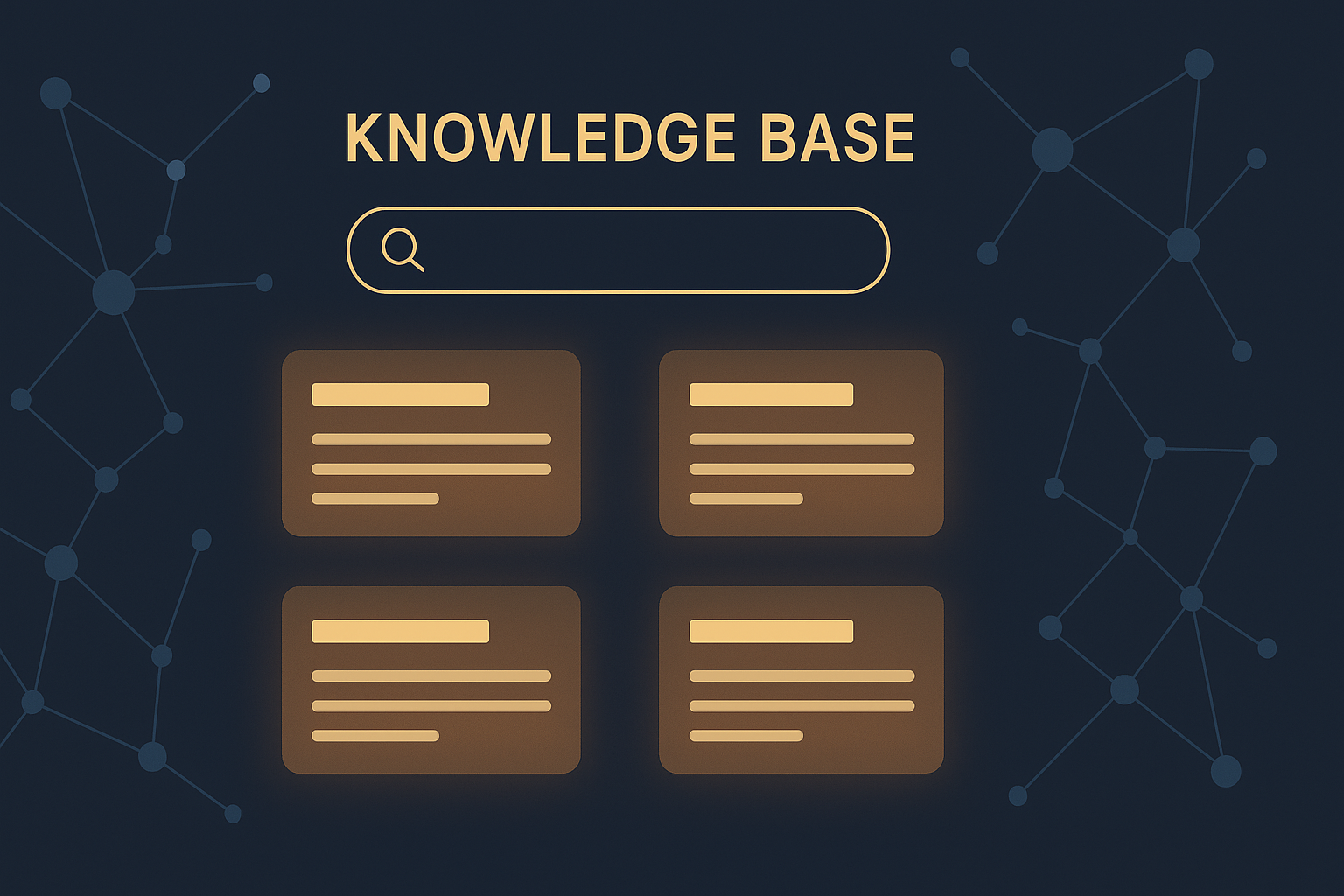
Support teams often struggle with inconsistent information, repetitive queries, and inefficient onboarding. A well-implemented knowledge base (KB) addresses these challenges by providing a centralized, accessible repository of information that both agents and customers can rely on.
According to recent studies, companies with mature knowledge base management see up to a 25% reduction in support ticket volume and a 30% faster resolution time. However, adopting knowledge base management requires a structured approach to maximize these benefits.
Step 1: Define Clear Objectives and Scope
Before building or refining your knowledge base, clarify the goals it should achieve. Are you aiming to reduce ticket volume, improve self-service options, speed up new agent onboarding, or standardize answers across channels? Defining scope—whether product-focused, process-focused, or customer journey-focused—is equally important.
For example, a SaaS company might prioritize articles on common troubleshooting steps and feature explanations, while an e-commerce business might focus on order tracking and return policies.
Step 2: Identify Key Stakeholders and Assign Ownership
Effective knowledge base management depends on collaboration among support agents, product experts, and content owners. Assigning clear ownership for content creation, review, and updates ensures accountability.
Implementing a QA & Coaching process can help maintain high content quality. Regular audits led by assigned owners help keep the knowledge base accurate and relevant.
Step 3: Choose the Right Platform and Structure
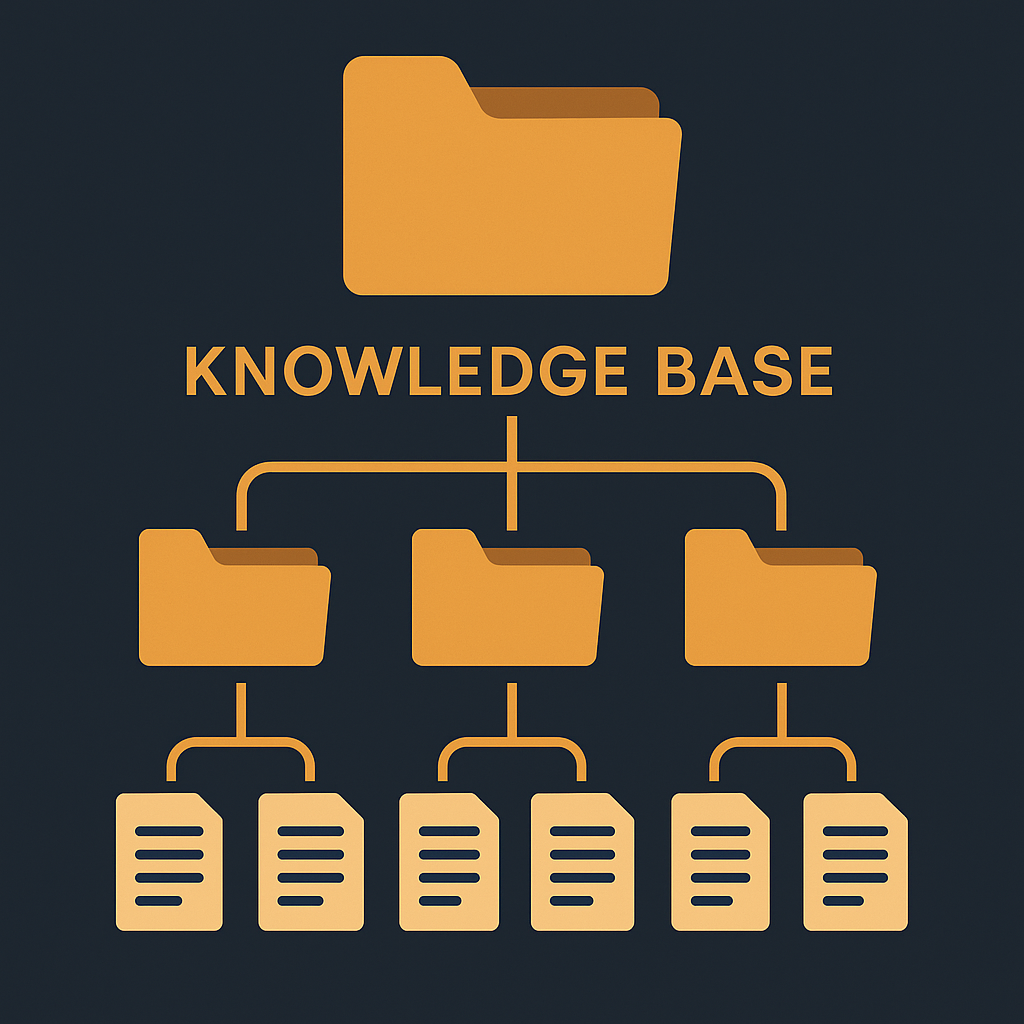
Select a knowledge base platform that supports easy authoring, categorization, and searchability. Features such as version control, analytics, and user feedback are essential.
A logical content hierarchy—dividing information into categories, subcategories, and tags—helps users find answers quickly. For example, grouping articles by product line or support topic, and leveraging Help Center Control features can boost usability.
Step 4: Develop High-Quality, Actionable Content
Content should be concise, clear, and actionable. Use a consistent tone and style guide to maintain professionalism. Incorporate screenshots, videos, or step-by-step instructions where helpful.
To reduce redundant tickets, proactively cover known pain points identified from support data. The AI & Analytics tools can surface common queries and gaps in existing content.
Step 5: Enable Continuous Improvement Through Feedback and Analytics
Encourage users to rate articles and provide comments. Combine this direct feedback with usage metrics such as article views, drop-off points, and search terms to identify improvement areas.
Regularly review these insights to update or retire content. Integrating Report Builder dashboards allows your team to track knowledge base performance over time.
Step 6: Promote Adoption Internally and Externally
Train support agents on using the knowledge base effectively during customer interactions. Embed links in your Omnichannel Inbox to quickly share relevant articles.
For customers, integrate the knowledge base in your help center, chatbot, or customer portal to encourage self-service. Tips, notifications, or featured articles can guide users to the right resources.
Step 7: Automate Routine Updates and Workflows
Leverage automation to streamline knowledge management tasks. For example, automate reminders for content reviews, flag outdated articles, or route feedback to content owners.
Using Automations & Workflows can reduce manual overhead and keep the knowledge base fresh without burdening your team.
Real-World Example: SaaS Support Team
A SaaS company implemented this framework by first defining their goal to cut ticket volume by 20% within six months. They assigned product managers ownership for knowledge content related to new features.
Using AI-powered analytics, they identified the top 10 most frequent support questions. Content was developed and structured by product area using their KB platform’s help center control features.
They set up monthly review cycles with automated reminders and empowered agents to contribute updates through integrated QA workflows. The knowledge base was linked prominently in their omnichannel support inbox.
Within 4 months, they observed a 22% drop in ticket volume and increased agent satisfaction due to easier access to up-to-date information.
Conclusion: Start Small, Scale Systematically
Adopting knowledge base management is a strategic investment that pays off with more efficient support and happier customers. Start with clearly defined goals and involve the right stakeholders. Choose a platform with capabilities that support your workflows and enable continuous content improvement.
For teams looking to deepen their knowledge base strategy, exploring AI-powered Knowledge Base solutions alongside Automations & Workflows and AI & Analytics can deliver measurable efficiency gains.
To learn more about creating an effective knowledge base and support strategy, visit our Customer Service Solution page or try a Live Demo of AItocha’s platform.
---
By following this practical framework, your support team will be well-equipped to implement knowledge base management that scales and evolves with your customers’ needs.