Best Practices
Common Mistakes in Knowledge Base Management and How to Fix Them

Common Mistakes in Knowledge Base Management and How to Fix Them
A well-maintained knowledge base (KB) is essential for efficient customer support and empowering self-service. Yet many organizations struggle with implementing knowledge base management effectively, leading to frustrated customers and overwhelmed support teams. This post identifies common mistakes in knowledge base management and offers actionable solutions to avoid or fix them.
1. Neglecting Content Organization and Structure
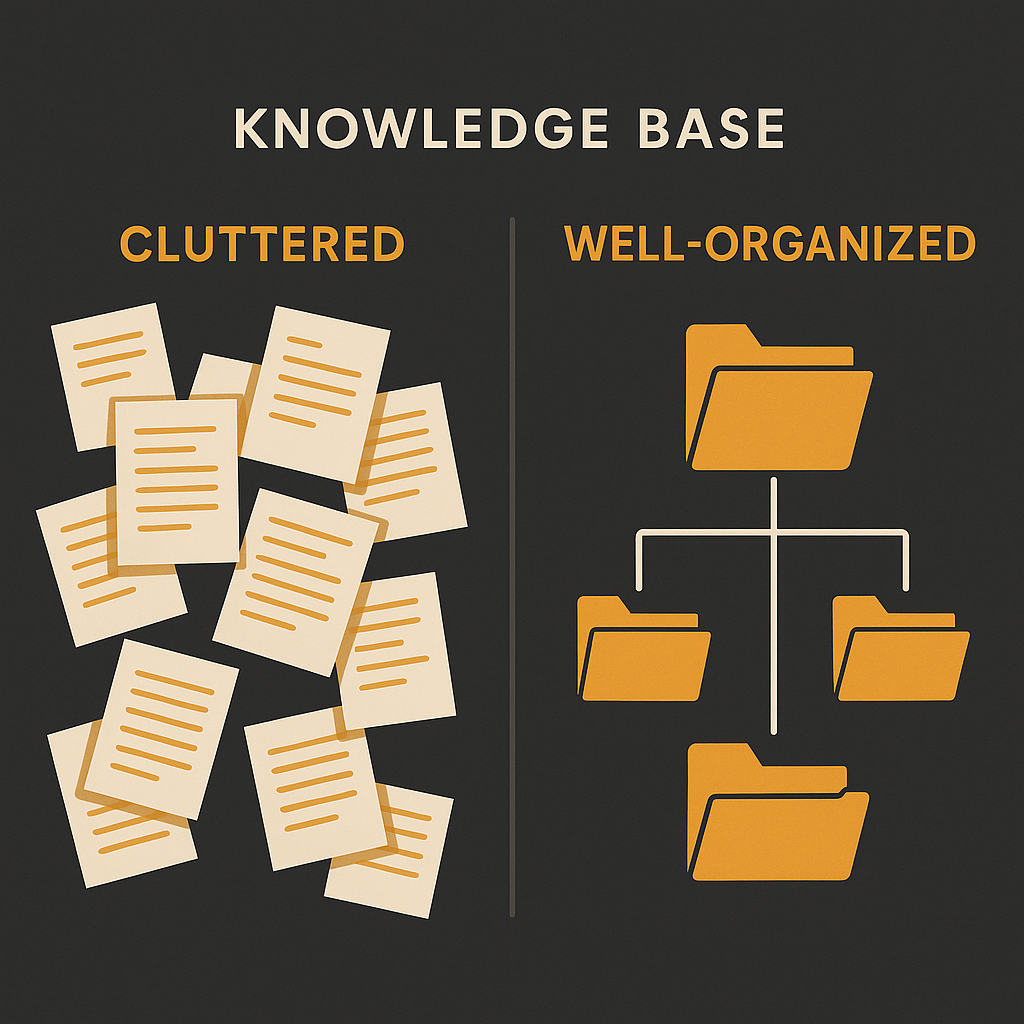
One of the biggest hurdles for knowledge base success is poor content organization. When articles are scattered without a clear hierarchy or intuitive categorization, customers struggle to find answers.
How to Fix It:
- Develop a logical taxonomy grouping related topics together by product, feature, or customer need.
- Use clear, consistent naming conventions for article titles and categories.
- Leverage a robust Knowledge Base platform that supports hierarchical categories and tags.
- Regularly audit your KB structure to remove outdated sections or merge duplicated content.
Example: An ecommerce platform grouped how-tos and troubleshooting guides by order status, payment issues, and product categories, reducing search time by 40%.
2. Overloading Articles with Excessive Information
Lengthy, jargon-heavy articles can overwhelm users trying to solve specific problems quickly. Detailed content is important but burying key information in long paragraphs reduces usability.
How to Fix It:
- Break articles into bite-sized sections with clear headings.
- Use bullet points, numbered steps, and visuals like screenshots or videos.
- Include a summary or FAQ for quick reference.
- Ensure language is simple and accessible to your target audience.
A practical approach is to incorporate multimedia elements into the KB for easier comprehension. AItocha’s platform supports embedding multimedia to enhance learning.
3. Failing to Keep Content Updated
Stale or inaccurate knowledge base articles mislead customers and increase support tickets. Product updates, policy changes, and new features require prompt KB revisions.
How to Fix It:
- Assign ownership for content maintenance, possibly by product managers or support leads.
- Set reminders and workflows to review articles periodically using Automations & Workflows.
- Gather customer feedback and monitor which articles get flagged for issues.
- Integrate with your product release cycles for synchronized updates.
4. Not Integrating the Knowledge Base with Support Channels
A standalone KB that customers have to find manually limits its effectiveness. Many support teams miss opportunities by not integrating KB access within their main support platforms.
How to Fix It:
- Embed KB search and article suggestions directly into your Omnichannel Inbox or chatbots.
- Use AI-powered tools that suggest relevant KB articles during agent-customer interactions.
- Provide in-app help widgets that link to the KB for instant self-service.
This reduces ticket volume and accelerates resolution times, freeing agents for complex issues.
5. Ignoring Analytics and User Behavior Data
Without tracking how customers interact with your KB, you miss insights on what’s working and what isn’t.
How to Fix It:
- Implement analytics to monitor article views, search queries, and user feedback.
- Use AI & Analytics dashboards to identify content gaps and popular topics.
- Adjust your content strategy based on data to prioritize updates and new articles.
6. Over-Reliance on Static Content Instead of Dynamic Updates
Static KBs don’t adapt quickly to changing customer needs or emerging issues, causing frustration.
How to Fix It:
- Combine your KB with real-time insights from support conversations.
- Use AI to detect trending issues and automatically recommend content improvements.
- Encourage support agents to contribute by flagging or suggesting new KB articles through QA & Coaching tools.
Conclusion: Building a Sustainable Knowledge Base Strategy
Avoiding these common pitfalls requires a proactive, data-driven approach to knowledge base management. Organize content thoughtfully, keep it concise and current, and integrate your KB into all support channels. Use analytics to refine your strategy continuously, and empower your support team to contribute expertise.
With the right tools and processes in place, a knowledge base becomes a powerful asset that reduces support workload and improves customer satisfaction. Explore AItocha’s Knowledge Base and Automations & Workflows features to help implement these best practices in your organization.
---
For a deeper dive into measuring knowledge base effectiveness, check out our post on Measuring Success with Knowledge Base Management: KPIs That Matter.