Support Operations
Knowledge Base Management vs Traditional Support: A Data-Driven Comparison

Introduction
Customer support teams today face increasing pressure to deliver quick, accurate, and scalable service while managing costs. Two common approaches prevail: traditional support—heavy on live agents handling every query—and knowledge base management, which empowers customers with self-service resources. But which approach truly drives better results? This article provides a data-driven comparison between knowledge base management and traditional support to help you make informed decisions.
What Is Traditional Support?
Traditional support typically involves customers contacting support agents via phone, email, or chat. Agents manually respond to queries, troubleshoot issues, and guide customers through solutions. While personal and flexible, this model can be resource-intensive and slower, especially as ticket volumes grow.
Key Metrics for Traditional Support:
- Average Handle Time (AHT): 6-8 minutes per ticket (varies by industry)
- First Contact Resolution (FCR): 70-80%
- Customer Satisfaction (CSAT): Usually 75-85%
- Cost per Ticket: Can range from $5 to $20 depending on complexity and channel
What Is Knowledge Base Management?
Knowledge base management organizes and maintains a centralized repository of articles, FAQs, tutorials, and troubleshooting guides that customers can access anytime. A well-structured knowledge base reduces dependency on live agents by enabling customers to find answers themselves quickly.
Key Metrics for Knowledge Base Management:
- Self-Service Rate: Can exceed 40-50% of all inquiries
- Reduction in Ticket Volume: 20-30% drop in support requests reported by companies after implementing KB
- CSAT for Self-Service: Ranges widely but can reach 80%+ with high-quality content
- Cost Savings: Up to 30-40% reduction in support costs due to fewer agent interactions
Data-Driven Comparison
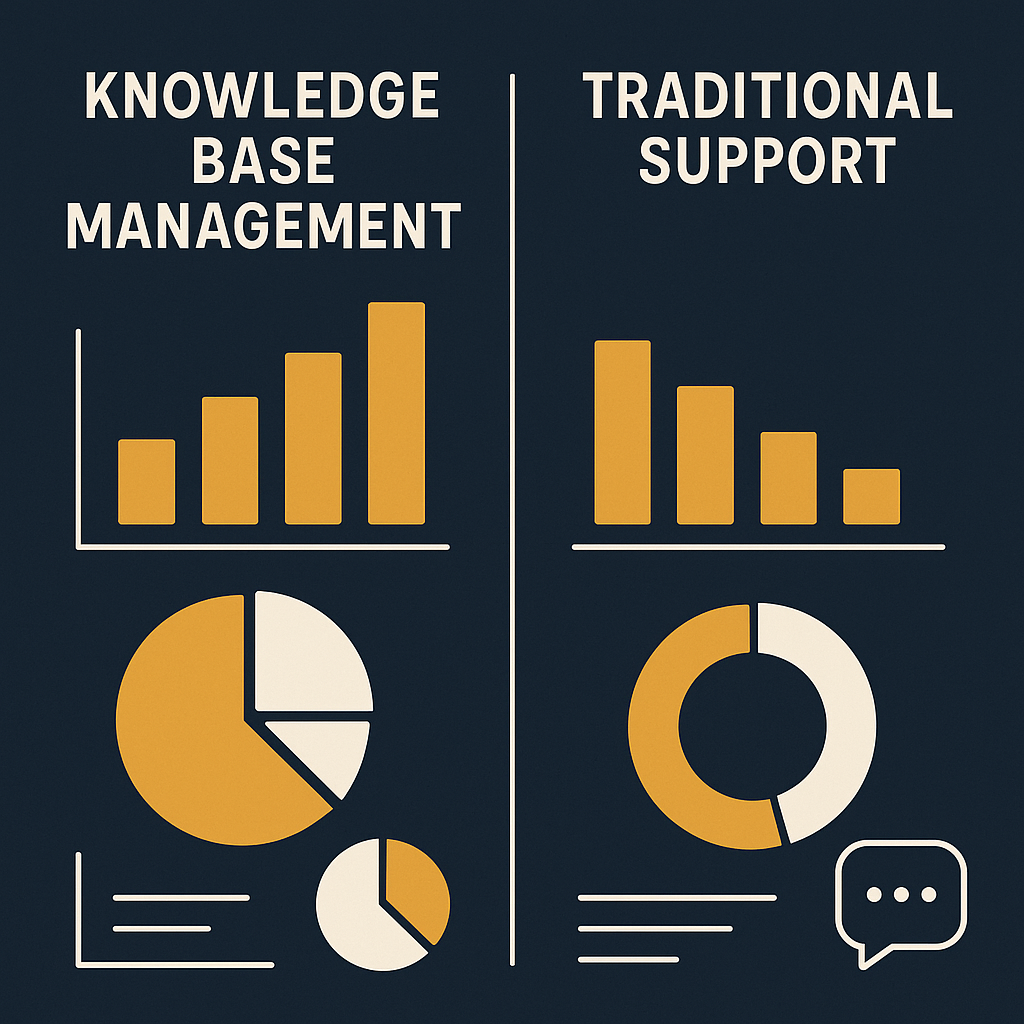
1. Efficiency and Speed
Knowledge bases reduce the average resolution time by providing instant access to relevant information. Customers avoid wait times associated with live agents. In contrast, traditional support can lead to longer resolution times during peak hours or understaffed periods.
Example: Zendesk’s benchmark report shows companies with mature knowledge bases resolve tickets 20% faster on average.
2. Scalability
Traditional support scales linearly with ticket volume — more tickets require more agents. Knowledge bases scale more efficiently since content can serve multiple customers simultaneously without incremental staffing.
Example: A SaaS company reported scaling its user base from 10,000 to 50,000 customers with only a 15% increase in ticket volume after deploying a comprehensive knowledge base.
3. Cost Effectiveness
Reducing live agent workload through knowledge base self-service can dramatically cut operational costs. Companies with strong knowledge base management report a 25-40% reduction in support costs.
Example: Gartner research indicates that each self-service interaction costs about 10-15 cents, compared to $7-$12 per live agent interaction.
4. Customer Satisfaction
While traditional support offers personal interaction, customers increasingly prefer instant, easy self-service options. A well-maintained knowledge base improves CSAT by reducing customer effort.
Data: Forrester found that 72% of customers expect companies to offer self-service support, and 67% prefer self-service over contacting support.
5. Knowledge Retention and Agent Productivity
A knowledge base acts as a single source of truth, reducing knowledge silos and ensuring consistent answers. This improves agent productivity, as they spend less time searching for information.
Impact: Support teams using knowledge management tools report a 20-30% decrease in training time for new agents.
Integrating Knowledge Base with Traditional Support
The comparison doesn’t mean one approach must replace the other. The best customer service strategies blend both:
- Use a robust Knowledge Base as the first line of support to handle common questions.
- Provide traditional support options for complex issues requiring human empathy and problem-solving.
- Leverage AI & Analytics to monitor knowledge base usage, identify gaps, and optimize content.
Real-World Scenario
Consider an e-commerce company experiencing seasonal spikes. Without a knowledge base, support agents become overwhelmed, increasing wait times and lowering CSAT. By implementing a knowledge base with detailed return policies, shipping info, and troubleshooting guides, the company reduced incoming tickets by 25%, cut average resolution times by 30%, and improved overall satisfaction scores.
How to Optimize Knowledge Base Management
- Regularly update content based on ticket trends and customer feedback.
- Organize articles with intuitive categories and search functionality.
- Integrate with your Omnichannel Inbox to track when customers escalate issues.
- Use QA & Coaching features to ensure agents promote knowledge base usage during interactions.
Conclusion
Data clearly shows that knowledge base management enhances efficiency, scalability, and cost-effectiveness compared to traditional support alone. However, a hybrid approach combining self-service with human support yields the best customer outcomes. Investing in a sophisticated knowledge base platform, complemented by real-time analytics and well-trained agents, empowers your support team to meet evolving customer expectations without escalating costs.
For companies looking to reduce ticket volume and improve support quality, exploring knowledge base management tools is a proven step forward.
To learn more about building an effective knowledge base and integrating it with your support strategy, check out our detailed guide on Building a World-Class Knowledge Base Management Strategy From Scratch.