Support Operations
The Complete Guide to Knowledge Base Management for SaaS Companies
Why Knowledge Base Management is Critical for SaaS Support
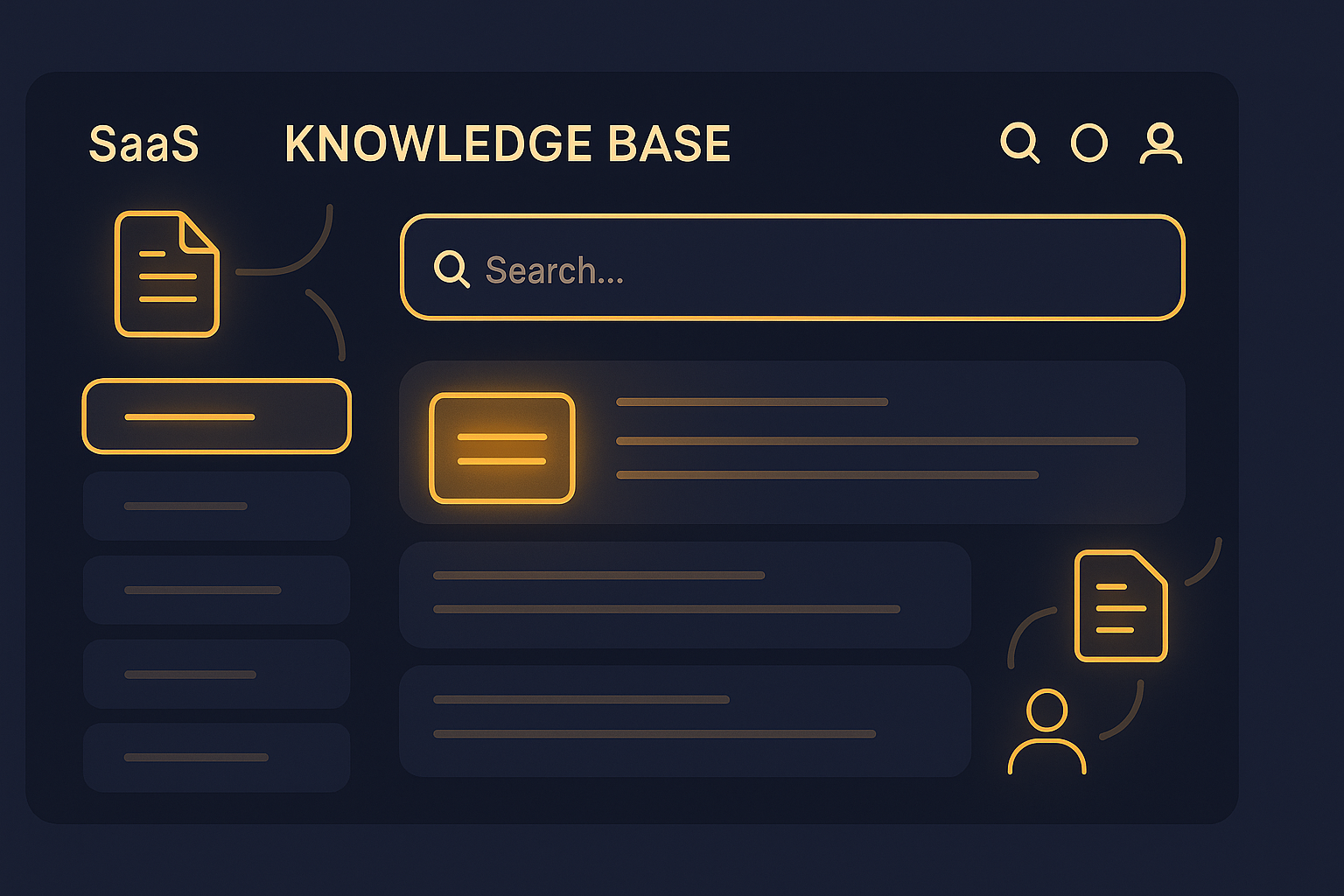
SaaS companies often face unique customer support challenges—rapid feature updates, subscription complexities, and diverse user expertise levels. A well-managed knowledge base empowers customers to find answers independently, reducing reliance on live agents and speeding up resolution times. For SaaS, this translates to lower support costs and higher customer satisfaction.
What is Knowledge Base Management?
Knowledge base management involves creating, organizing, updating, and optimizing a centralized repository of information that customers and support agents can use to resolve queries quickly. It’s not just about publishing FAQs; it’s a strategic process that ensures content accuracy, relevance, and accessibility.
Key Components of an Effective SaaS Knowledge Base
1. Comprehensive Content
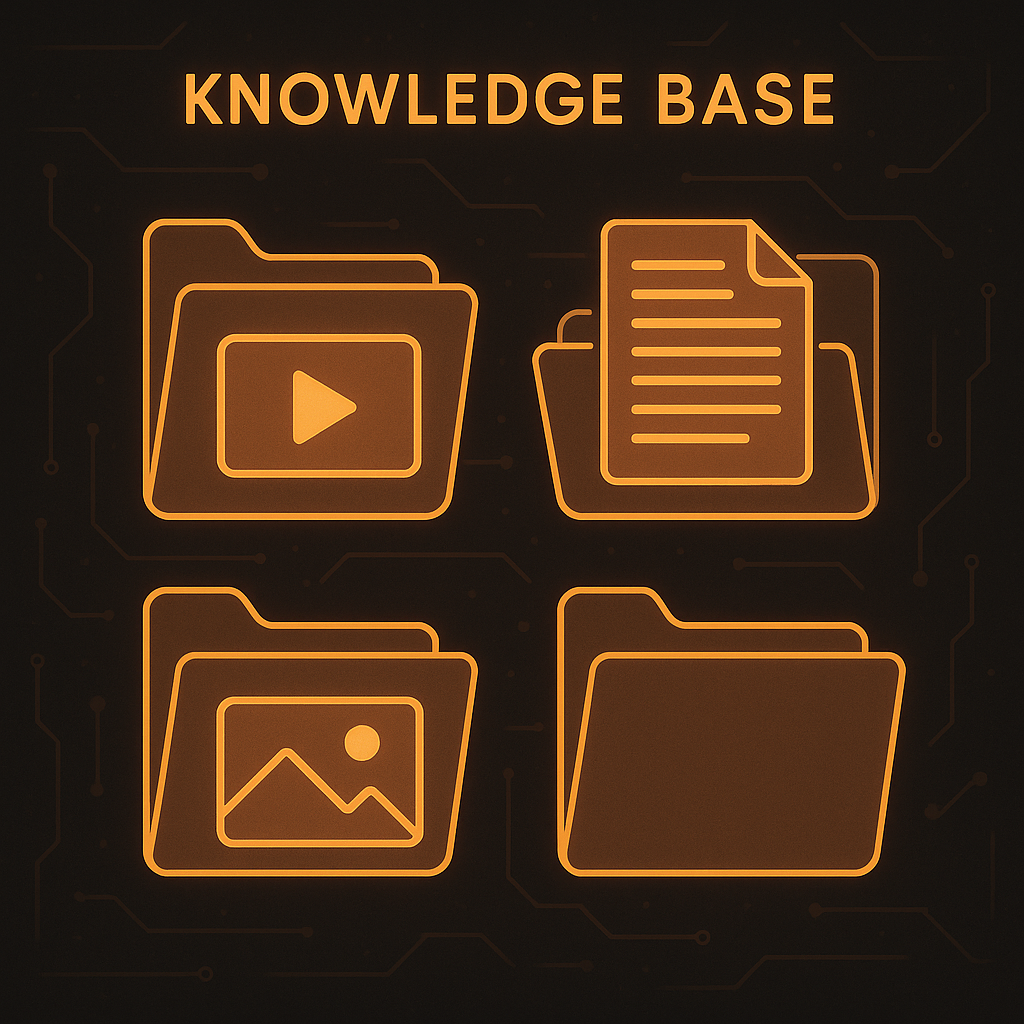
Your knowledge base should cover all major product features, common issues, onboarding steps, and troubleshooting guides. For example, detailed articles explaining new feature releases or subscription billing can reduce confusion.
2. User-Friendly Structure
Organize content logically with clear categories and subcategories. Use intuitive navigation menus and search functions to help users quickly find what they need.
3. Regular Updates
SaaS products evolve quickly, so regularly review and update your knowledge base to reflect product changes, new integrations, or policies.
4. Multimedia Support
Incorporate screenshots, video tutorials, and step-by-step guides to accommodate different learning preferences.
5. Feedback Mechanisms
Allow users to rate articles or submit feedback to identify gaps and improve content continuously.
How SaaS Companies Can Implement Knowledge Base Management
Step 1: Audit Existing Content
Start by reviewing current FAQs, help articles, and customer queries to determine what’s useful and what needs improvement.
Step 2: Choose the Right Platform
Select a knowledge base solution that integrates smoothly with your support system, such as AItocha’s Knowledge Base feature, which allows seamless content management and customer access.
Step 3: Create Standardized Content Templates
Use consistent formatting and style guidelines to make information easy to scan and understand.
Step 4: Train Support Teams
Educate agents on how to use the knowledge base effectively during live support to ensure consistency and speed.
Step 5: Promote Self-Service
Encourage customers to use the knowledge base by linking articles in automated responses, onboarding emails, and chatbots powered by AItocha’s AI & Analytics capabilities.
Real-World Benefits for SaaS Companies
- Reduced Ticket Volume: Companies report up to 30% reduction in support tickets after implementing a robust knowledge base.
- Faster Resolution Times: Agents spend less time searching for information, leading to quicker answers.
- Improved Customer Satisfaction: Immediate access to helpful resources improves user experience and retention.
- Scalability: Supports growth without proportional increases in support staff.
Best Practices to Maximize Knowledge Base Effectiveness
- Use analytics to track article performance and update low-rated content.
- Leverage AI suggestions to recommend relevant articles during customer interactions.
- Integrate with your Omnichannel Inbox to provide consistent answers across channels.
- Incorporate multilingual support for global SaaS products via AItocha’s Multilingual Support.
Measuring Success
Track KPIs such as page views, search success rate, customer feedback scores, and reduction in ticket volume. For a deeper dive into these metrics, see our post on Measuring Success with Knowledge Base Management: KPIs That Matter.
Conclusion: Make Knowledge Base Management a Strategic Priority
For SaaS companies, a well-managed knowledge base is a powerful tool for delivering efficient, scalable, and customer-friendly support. By investing time in content quality, structure, and continuous improvement, you not only reduce support burdens but also elevate customer experience.
Explore how AItocha’s comprehensive Knowledge Base and AI-powered support tools can help your SaaS team implement effective knowledge base management that drives results.
---
For further insights on reducing ticket volume, check out our blog post 5 Proven Ways to Reduce Ticket Volume with Knowledge Base Management.