Support Operations
Measuring Success with Help Desk Best Practices: KPIs That Matter
Why Measuring Help Desk Success Matters
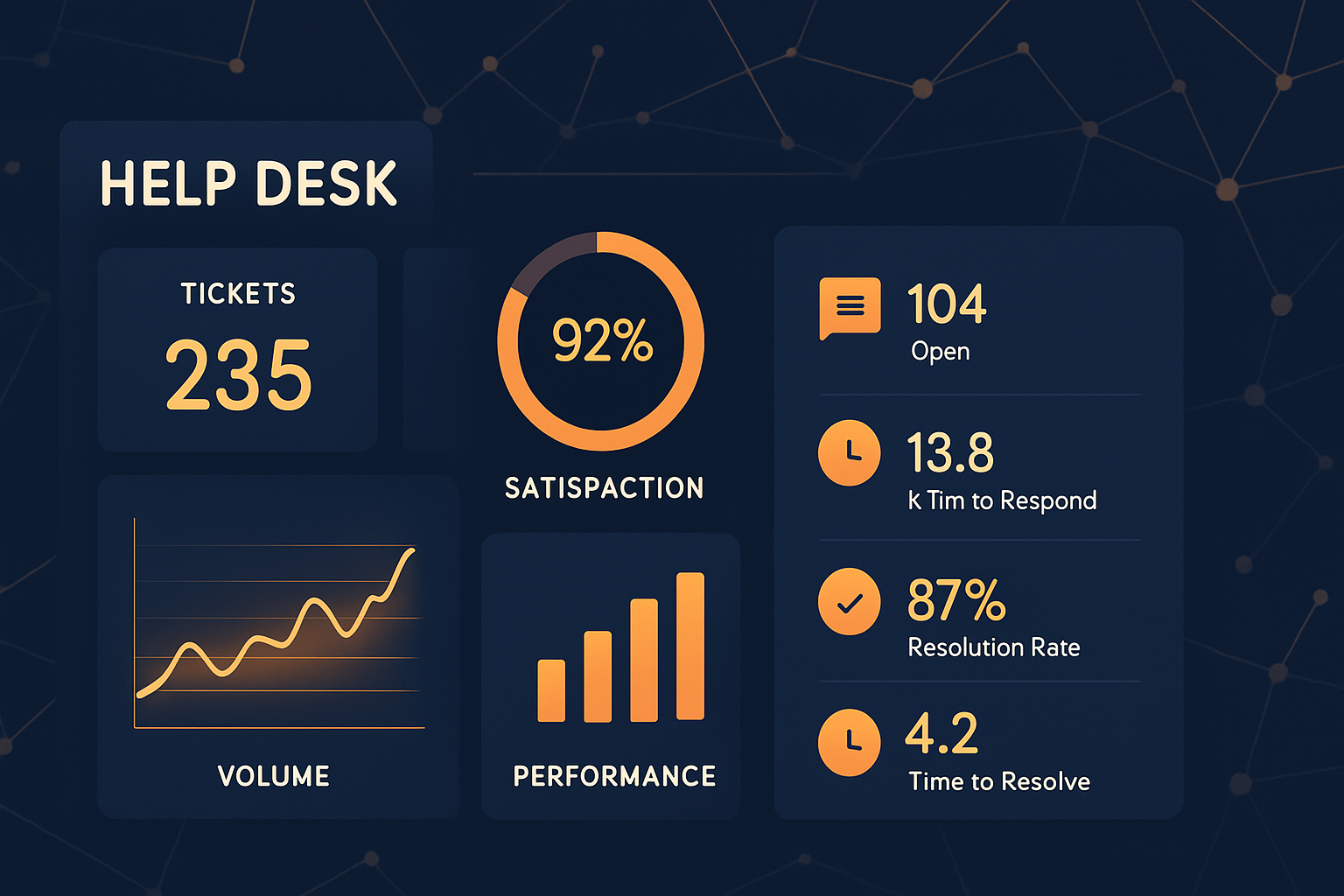
Implementing help desk best practices is only half the battle—knowing whether they’re effective requires careful measurement. Without clear metrics, support teams risk overlooking performance gaps, wasting resources, or failing to meet customer expectations. Tracking the right key performance indicators (KPIs) enables data-driven decisions that improve agent productivity, customer satisfaction, and operational efficiency.
Essential KPIs for Help Desk Performance
Here are the KPIs every help desk manager should monitor to measure success accurately:
1. First Response Time (FRT)
The average time it takes for an agent to respond to a customer inquiry. Faster first responses reduce customer frustration and set a positive tone. Aim to keep FRT within your service level agreements (SLAs). Tools like SLA Compliance can help automate monitoring.
2. Average Resolution Time (ART)
How long it takes on average to resolve tickets from open to closed. Shorter resolution times indicate efficient problem-solving but shouldn’t sacrifice quality. Balancing speed with accuracy is key.
3. Ticket Volume
Tracking the number of incoming tickets helps identify workload trends and seasonality. A sudden spike can signal product issues or gaps in self-service resources.
4. First Contact Resolution (FCR) Rate
The percentage of tickets resolved in the first interaction without follow-up. A high FCR rate improves customer satisfaction and reduces repeat workload.
5. Customer Satisfaction (CSAT) Score
Collected through post-interaction surveys, CSAT directly reflects customer perception of support quality. Monitoring trends over time helps identify areas for coaching and improvement.
6. Agent Utilization and Productivity
Metrics such as tickets handled per agent and active time on support tasks show how effectively your team is working. Use Teams & Queues features to balance load.
7. Escalation Rate
The percentage of tickets escalated to higher support tiers. High escalation rates may indicate inadequate frontline training or incomplete knowledge base resources.
Using KPIs to Drive Continuous Improvement
Tracking KPIs alone isn’t enough — teams need to analyze and act on the data. For example, if the First Response Time is lagging, consider automating ticket assignments with Automations & Workflows or implementing AI-powered triage to prioritize urgent cases.
Low FCR rates might signal the need to enhance your Knowledge Base content or provide additional agent training via QA & Coaching. Regularly review escalations to spot product issues or knowledge gaps.
Aligning KPIs with Customer Experience Goals
While operational KPIs are critical, don’t lose sight of customer-centric metrics. Combining quantitative data like ART and qualitative feedback from CSAT surveys provides a holistic view of support effectiveness.
Integrating omnichannel data through solutions like Omnichannel Inbox ensures you measure performance consistently across channels—from email and chat to social media.
Real-World Example: Improving Support with KPIs
A mid-sized SaaS company noticed rising ticket volumes and declining CSAT scores. By closely monitoring KPIs, they identified First Response Time and FCR as the main issues. After deploying automated workflows to route tickets and expanding their knowledge base, FRT dropped by 40%, and FCR improved by 25%. Customer satisfaction rebounded within three months.
Leveraging AItocha for KPI Tracking and Optimization
Platforms like AItocha provide comprehensive tools to measure, visualize, and act on help desk KPIs. Features such as the AI Insights Dashboard enable real-time analytics, helping managers pinpoint bottlenecks and improve support quality.
Implementing Report Builder allows customized reports tailored to your team’s needs, facilitating transparent communication and strategic planning.
Conclusion: KPIs as the Backbone of Help Desk Excellence
Measuring the right KPIs is essential to validate the impact of help desk best practices and guide ongoing improvements. Focus on a balanced set that includes operational efficiency, agent productivity, and customer satisfaction. Use data-driven insights to optimize workflows, empower agents, and ultimately deliver superior support experiences.
To learn more about effective help desk solutions, explore AItocha’s Customer Service Solution and see how integrated features work together to boost your support team’s performance.
---
For a deeper dive into help desk best practices and how they enhance support operations, check out our post on Help Desk Best Practices: Essential Strategies for High-Performing Support Teams.